
Never lose your place.
Aida reads the PDF charts you already bought, turns your own photos into stitchable patterns, and keeps your place across iPhone, iPad and Mac through your own iCloud. Buy once. Synced everywhere.
€15.99, once · free to try with your own charts first · no subscription, ever · also coming to the App Store
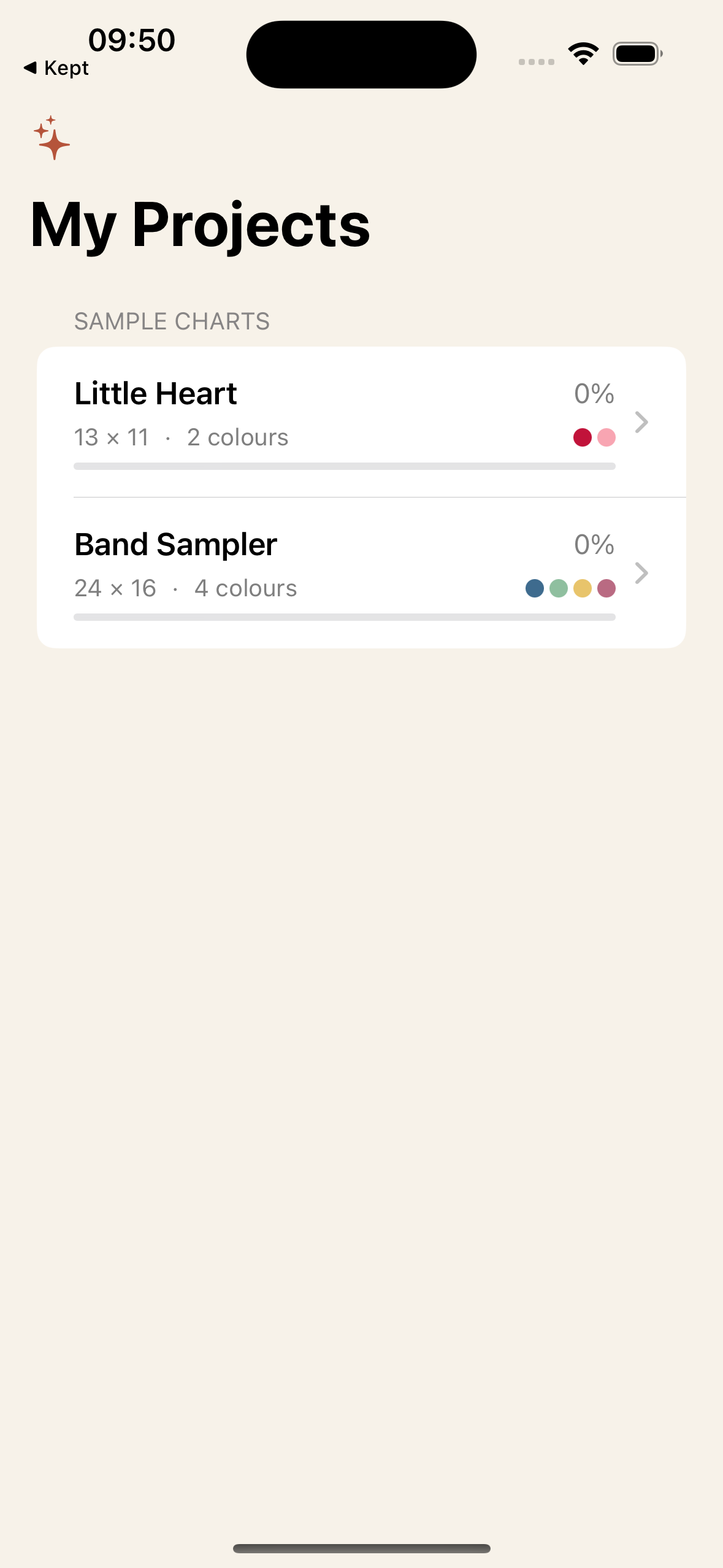
25 seconds: take a photo, watch it become a pattern, import a PDF, mark stitches. Filmed from the real app.
From PDF to first stitch in a minute
i.
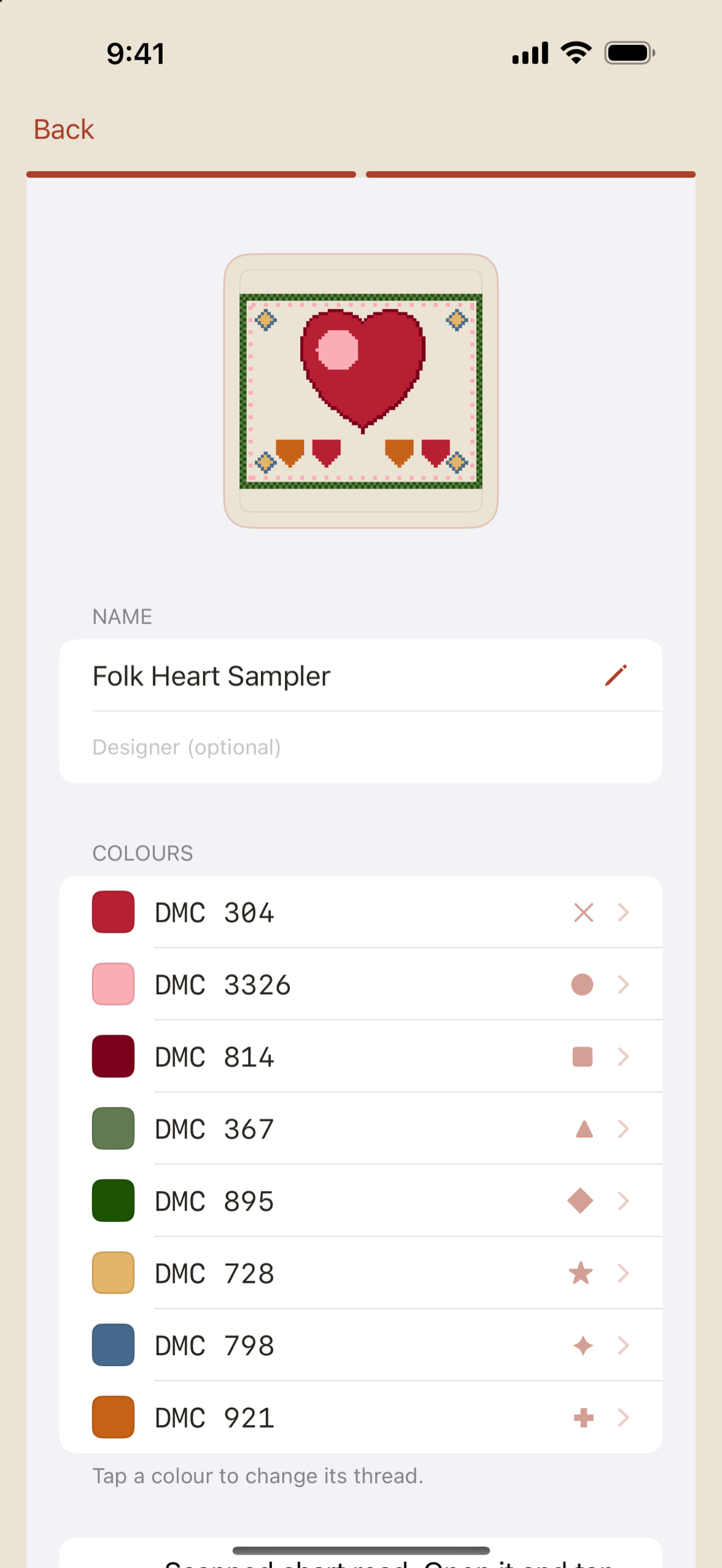
Open your chart
From Files, iCloud or email. The grid, symbols and thread key are detected for you, and you check the read before anything else happens.
ii.
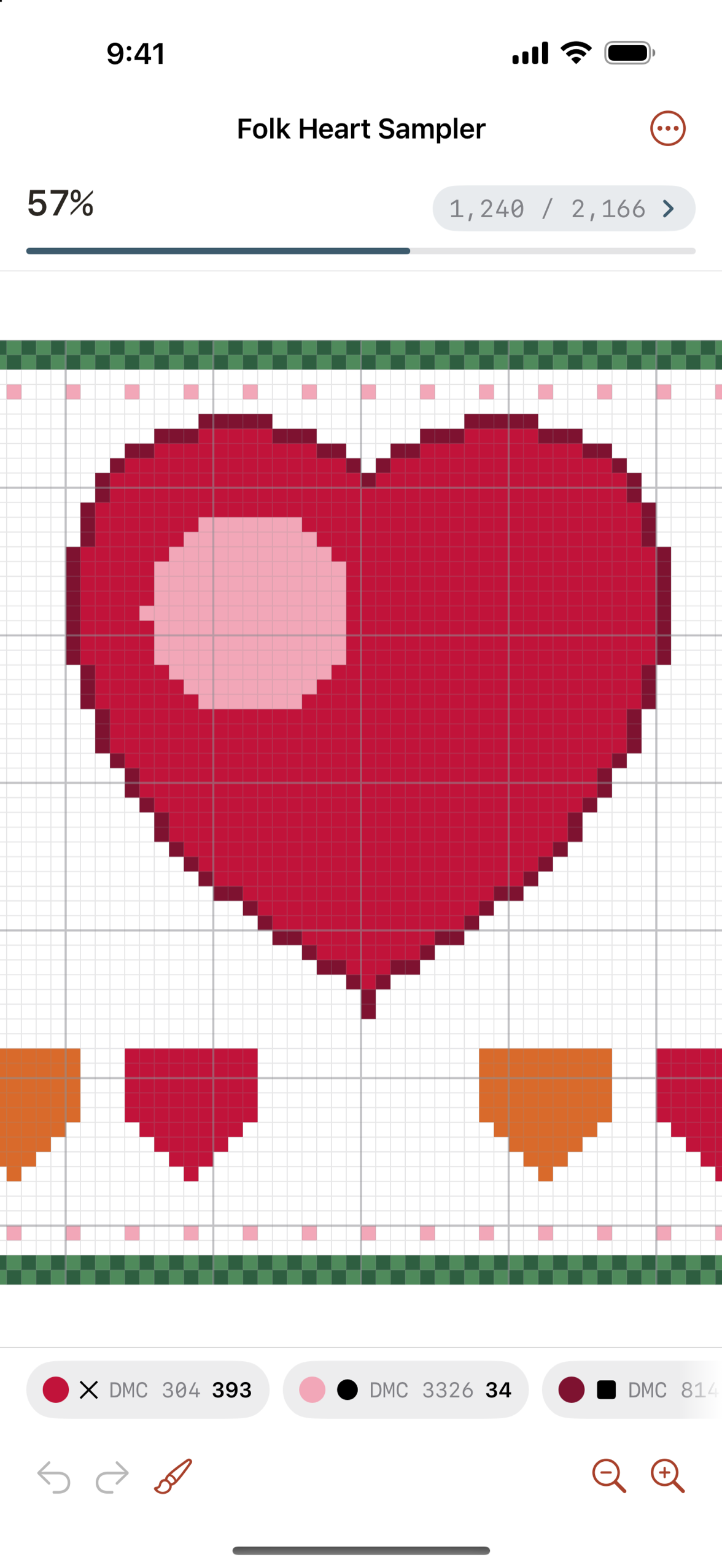
Stitch
Highlight a colour, mark stitches with a tap or a swipe, and watch its count tick down to zero. That little win, every time.
iii.
Pick up where you left off
Close the app mid-row, open it next week: your place is kept, on your iPhone and your iPad.
Three things it does uncommonly well
For the charts you bought, from the designers you love
Etsy, magazines, any designer: Aida detects the grid, the symbols and the thread key from the PDF itself. Multi-page patterns become one continuous canvas, so page breaks stop breaking your count.
- Native chart files open too: OXS, PCStitch, Pattern Maker and more
- DMC, Anchor, Madeira, COSMO and Olympus codes resolve to the true colour
- Try your own chart free first: the import is the trust gate, not a timed trial
Stitch the way stitchers stitch
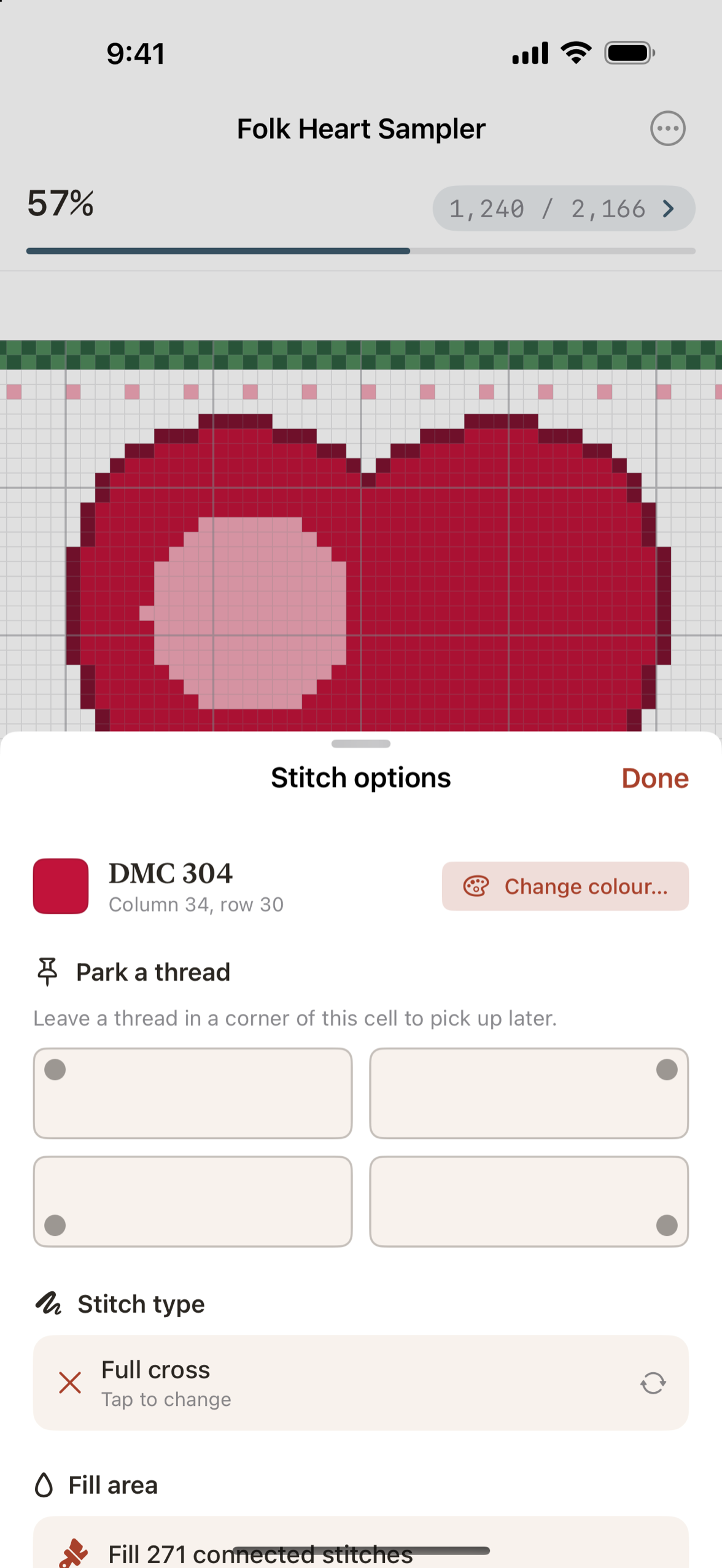
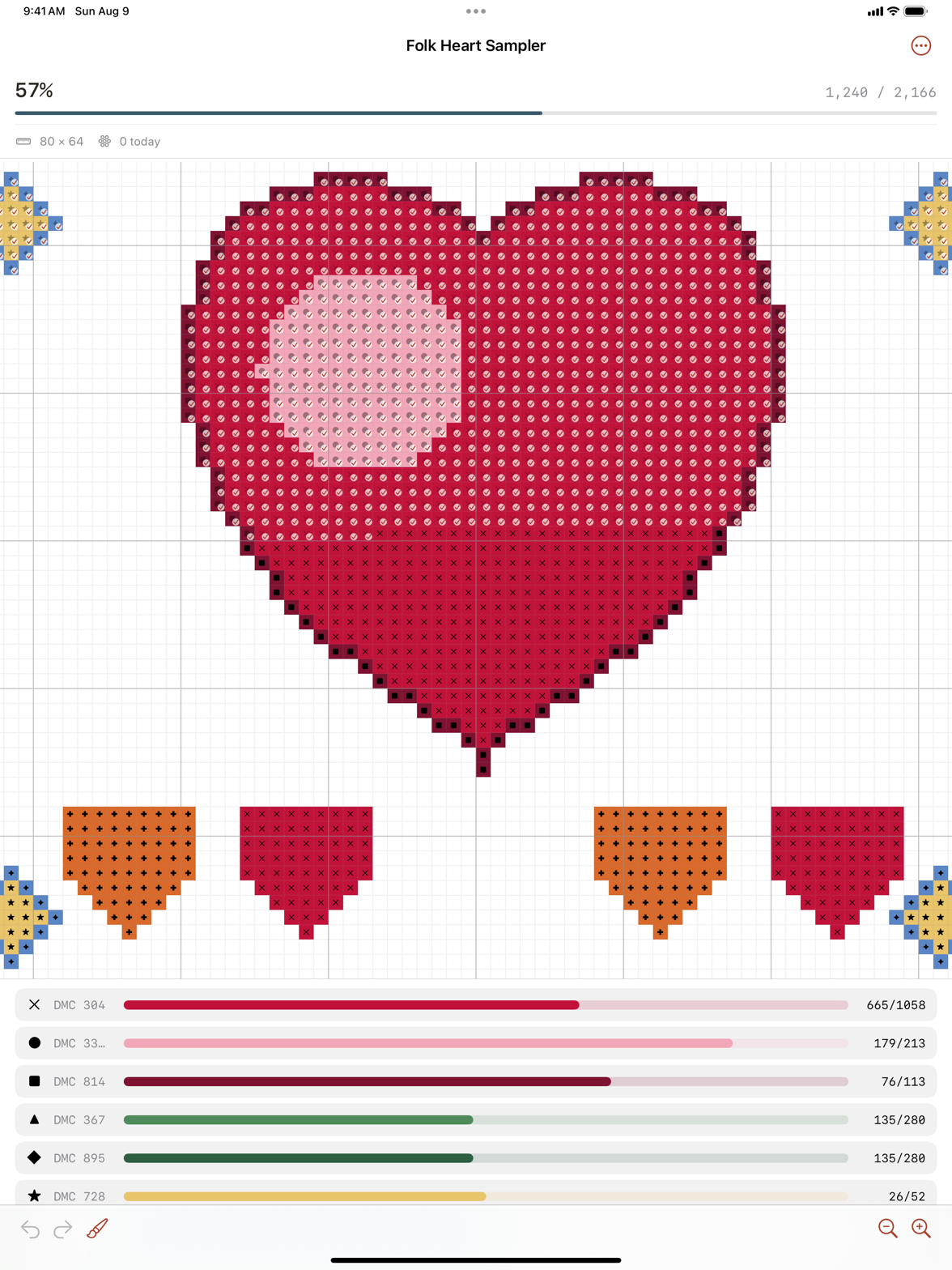
Highlight every stitch of one colour and go cross-country. Park threads in a corner. Swipe a row, fill a block, undo the last ten in a tap. The screen stays awake while you stitch, and the per-colour counts tick quietly down.
- Find the last few stitches of a colour: Aida walks you to each one
- Backstitch and fractional stitches tracked on their own, not just shown
- Night mode, brightness control and pinch-zoom deep into dense charts
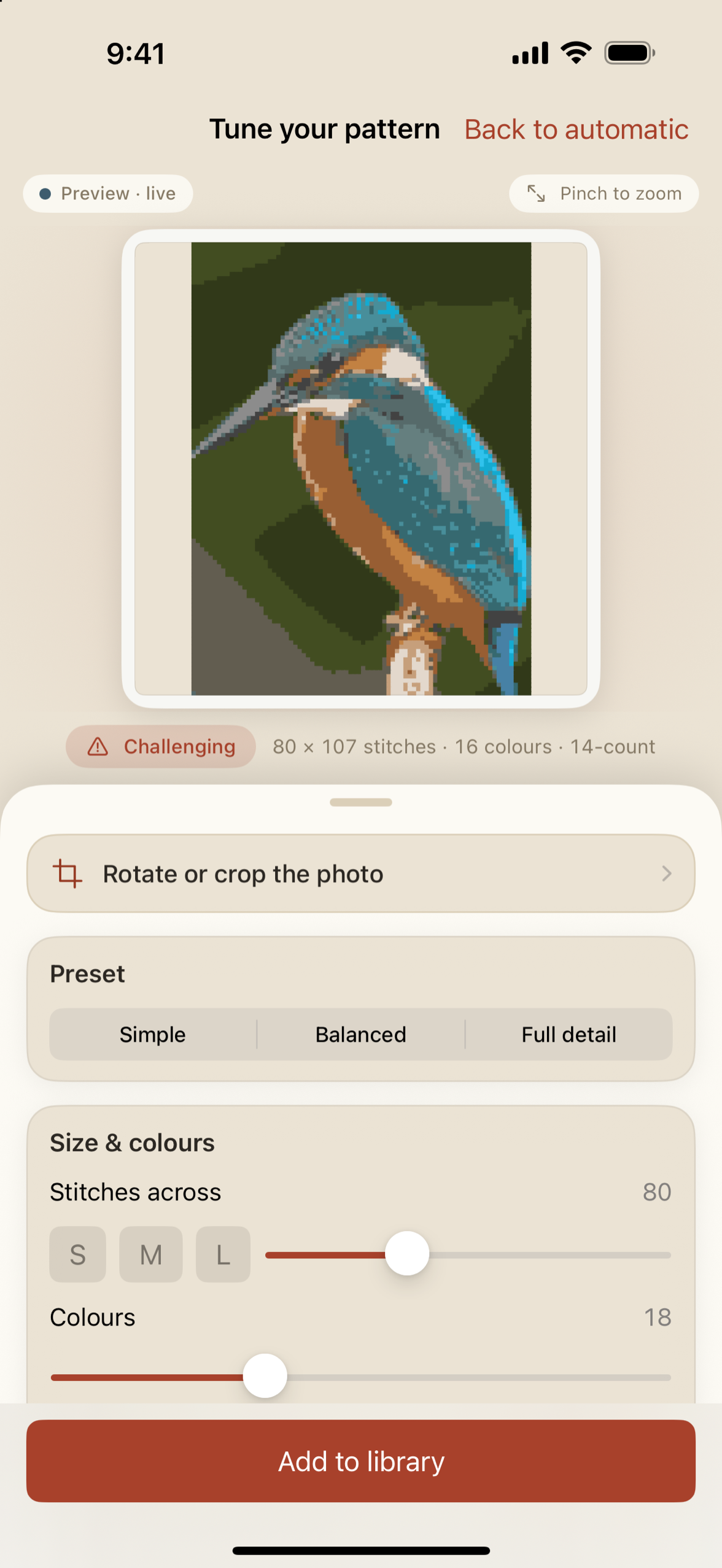
Your photo, ready to stitch
Point Aida at a photo of your dog, your garden, your grandchild. It becomes a stitchable pattern right on the device: pick the stitch count and the number of colours, and every shade snaps to a real DMC thread.
- Everything happens on your device: the photo is never uploaded
- Tune it later: reopen a saved pattern and adjust colours or detail
- A skein estimate per thread, so the shopping list writes itself
Couch iPad. Lunch-break iPhone. Same stitch.
Progress follows you automatically through your own iCloud: no account, no server of ours, offline first. Mark a row on the iPad at home and your phone knows at lunch. It is the one thing every stitcher asks the other apps for.
On Android, Aida is its own app and its own purchase on Google Play, at the same one-time price. Sync is an Apple thing, across iPhone, iPad and Mac through iCloud: between platforms, charts and progress travel as a pattern file you share.
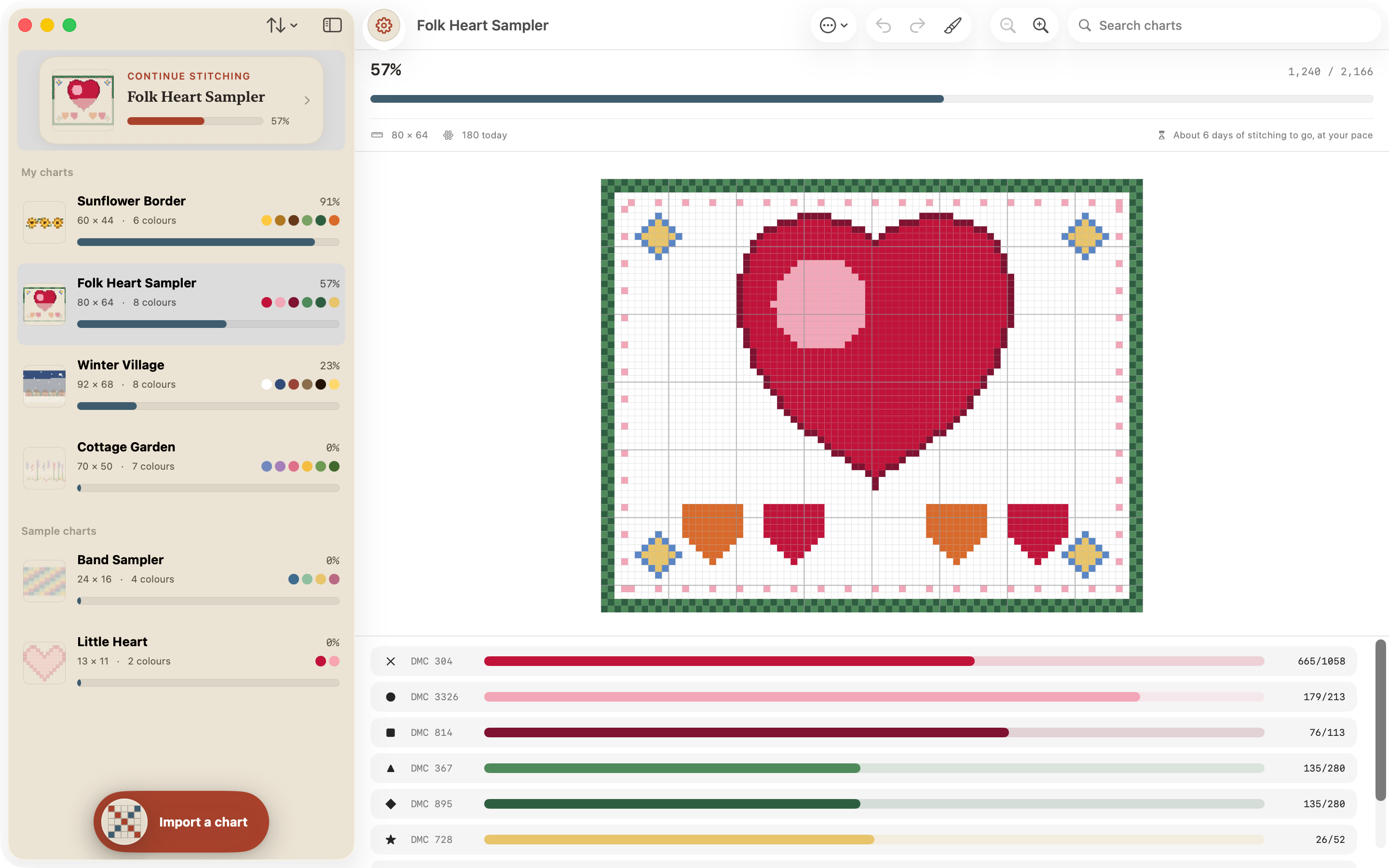
Desk-size stitching, one window.
On a Mac, Aida puts your library and the live chart side by side: pick a project on the left, count stitches on the right, at whatever size your screen allows. The same one-time purchase, the same iCloud progress your iPhone and iPad already share.
Own it, don't rent it
A chart tracker you buy
€15.99 once
Yours to keep, with every update, on every Apple device signed into your Apple ID. iPhone, iPad and Mac sync included, Family Sharing included on the App Store, nothing to cancel. Five years from now it has cost you €15.99.
A chart tracker you rent
€19.99 every year
Stop paying and the tracker stops working. Backing up between devices is a zip file you move by hand. Five years from now it has cost you €99.95.
MarkUp R-XP charges €19.99 a year and moves progress by manual zip file. Pattern Keeper is much loved, and Android only. Aida is bought once, synced automatically, and on both platforms.
€15.99
once · yours to keep
- ✓Unlimited charts, one continuous canvas
- ✓iCloud sync across iPhone, iPad and Mac
- ✓Photo to pattern, on your device
- ✓Every marking aid: highlight, park, find-next, undo
- ✓Family Sharing included on the App Store
Free to try first: import your own chart and see it parse before you pay anything. Also on Google Play, as its own purchase, at the same one-time price.
Our promise
No subscription conversion. No removing paid features. No selling data. In writing, for as long as Aida exists.
And when something is wrong, tell us: report an issue and it gets fixed right away. Write to support@oomny.eu. We read every message.
oomny, makers of Aida
Questions
Is there a subscription?+
No. Aida is €15.99 once, yours forever, with Family Sharing on the App Store. In writing: no subscription conversion, no removing paid features, no selling data.
Will it read my charts?+
Any designer's PDF: the grid, symbols and thread key are detected automatically, and multi-page patterns become one continuous canvas. Native chart files like OXS, PCStitch and Pattern Maker open too. The free tier exists so you can check your own charts first.
Can it turn my own photo into a pattern?+
Yes. Pick a photo, or take one, and Aida turns it into a counted cross-stitch chart with real DMC colours, entirely on your device: the photo is never uploaded. Choose the stitch count and the number of colours, tune it until it is yours, and start counting. It is part of the one-time purchase.
Does it really sync between iPhone, iPad and Mac?+
Yes, automatically, through your own iCloud. No account, no server of ours, and it works offline first. Open the same project on any of your other Apple devices and it picks up exactly where you left off.
Is there an Android version?+
Yes: Aida ships on Google Play as its own app and its own purchase, at the same one-time price. Charts and progress travel between platforms as a pattern file you share; progress does not sync across platforms.
Does one purchase cover both iPhone and Android?+
One App Store purchase unlocks Aida on all your Apple devices: iPhone, iPad and Mac, with Family Sharing included. The Google Play version is a separate purchase for your Android devices. Your charts and progress can travel between the two as a pattern file you share, but progress does not sync across platforms.
What about backstitch and fractional stitches?+
Shown and tracked on their own, not painted over. Outlines and accents get their own quiet tally, and the finish counts only when both are done.
Where do my charts and progress live?+
On your devices and in your own iCloud, nowhere else. Export your progress any time, and delete everything yourself from Settings whenever you want.